






Best Free Fire headshot sensitivity in 2026: one-tap settings for the 0-200 slider
Free Fire’s sensitivity sliders run to 200, and most old one-tap settings were written for 100. Starting values for one-tap and drag headshots by phone and grip, and how to tune them.
Jul 2, 2026 · Updated Oct 28, 2026
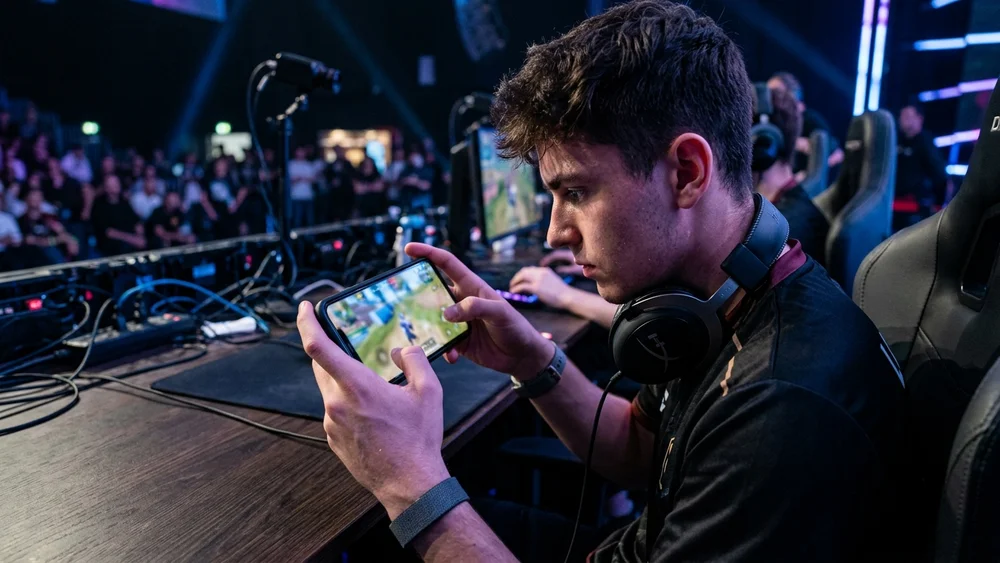
The best Free Fire headshot sensitivity in 2026 starts with high General and Red Dot values on the game’s 0 to 200 slider. For most phones running Free Fire MAX at a steady 60 FPS or better, a good base is General 180, Red Dot 170, 2x Scope 155, 4x Scope 145, Sniper Scope 95 and Free Look 130. Those numbers let you pull the crosshair from chest to head in one short swipe, which is all a clean one-tap really is. No set of numbers lands headshots for you, though. Treat this as a base to shape around your phone and your thumbs.
One correction first. An earlier version of this guide gave values on the old 0 to 100 scale, such as General 95. On today’s slider those numbers sit in the bottom half and feel slow. If you copied them, use the table below instead.
Why Free Fire sensitivity now goes up to 200
Garena raised the sensitivity cap in the OB44 update in April 2024, and the sliders have run from 0 to 200 ever since. Free Fire MAX has six of them, under Settings and then Sensitivity: General, Red Dot, 2x Scope, 4x Scope, Sniper Scope and Free Look.
The higher ceiling is why so many guides from before 2024 now read wrong. A General value of 95 was aggressive on the old scale. On the new one it is barely past the middle. That matters for headshots because the whole technique depends on the crosshair travelling a few centimetres of screen in a fraction of a second.
The opposite mistake is just as common. Setting every slider to 200 does not make headshots automatic. Testers who have tried it report the crosshair flying past the head and shaking on every small movement, which is the reverse of what you want.
The best Free Fire sensitivity settings for headshots
Pick the column that matches your phone and your grip, type it in, then adjust. Every value is on the 0 to 200 scale.
| Setting | Balanced (60 FPS+ phone) | Low-end phone (2-4 GB RAM) | Claw grip, aggressive |
|---|---|---|---|
| General | 180 | 190 | 195 |
| Red Dot | 170 | 185 | 185 |
| 2x Scope | 155 | 170 | 170 |
| 4x Scope | 145 | 155 | 160 |
| Sniper Scope | 95 | 105 | 105 |
| Free Look | 130 | 150 | 155 |
Start with the balanced column unless you have a reason not to. The low-end column runs higher on purpose: a phone that drops frames makes the crosshair feel heavy, and a few extra points make up for some of that lag. The claw column is for four-finger players, who can handle more speed because their thumbs are not doing the aiming and the moving at the same time.
General and Red Dot matter most for headshots because they control hip-fire and red-dot aim, where most one-taps happen. The scopes matter more for spraying and sniping at range, which is why Sniper Scope sits well below the rest: a slow scope keeps long shots steady. Free Look only moves the camera while you run, so set it to whatever feels comfortable for checking behind you.
What a one-tap headshot actually means in Free Fire
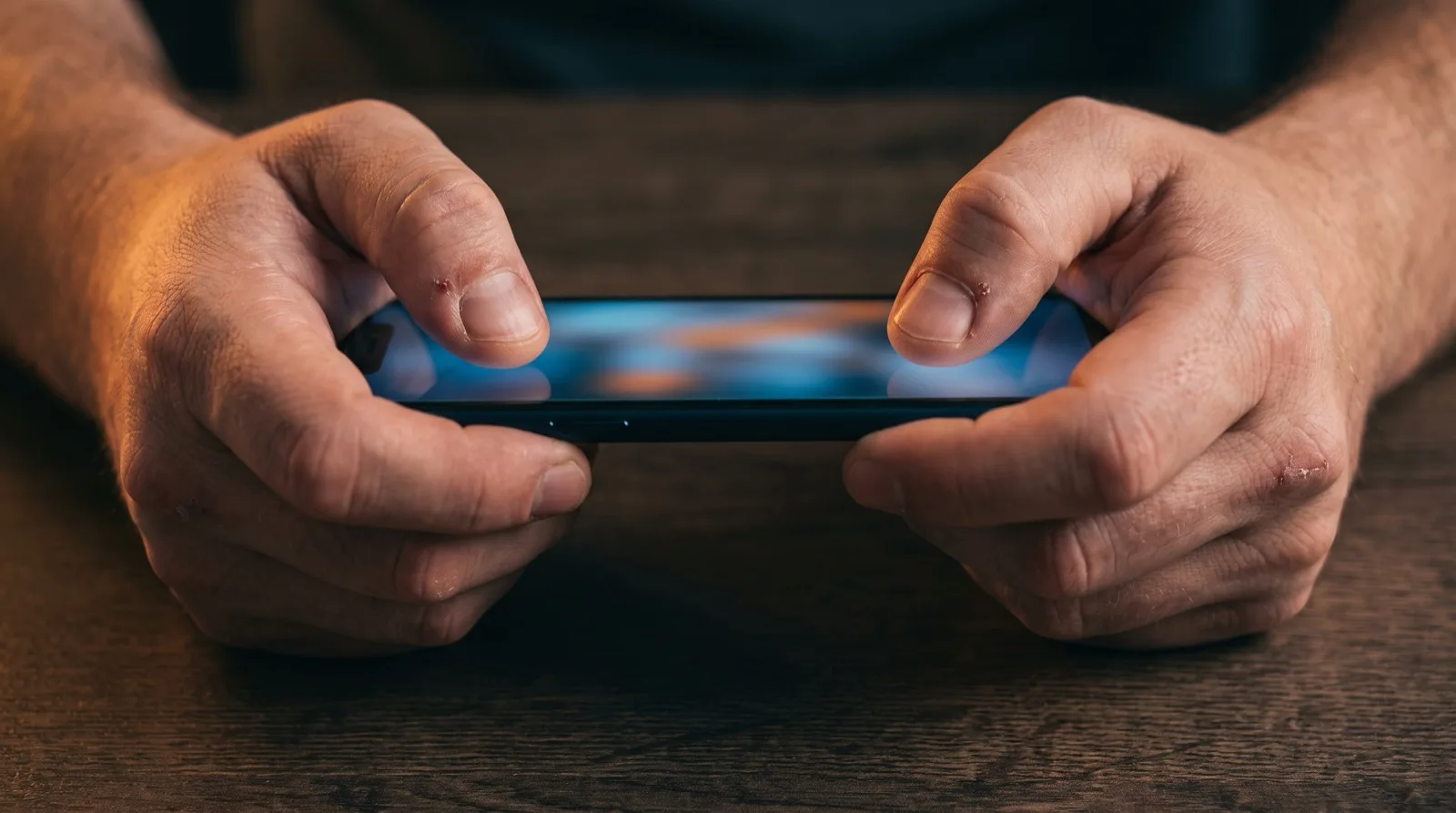
People use the phrase loosely. A one-tap headshot is when your crosshair is already on the enemy’s head and a single shot or burst lands there. A drag headshot is different: you start lower, usually around the chest, and swipe the fire button upward in one short motion so your shots climb into the head as you fire.
Both depend on crosshair placement. Good players keep the reticle at neck height by default, so the distance to the head is tiny. High General and Red Dot values matter because they let that short drag happen fast enough to catch a moving target. Too low and the swipe stalls at the shoulders. Too high and the crosshair sails over the head.
Weapon choice matters too. Guns built for one-taps, such as the Desert Eagle, the M1887 shotgun and the Woodpecker, reward exactly this style, while heavy sprayers pull you into body shots.
How to change your sensitivity in Free Fire MAX
- Open Free Fire MAX and tap the settings icon in the top-right corner of the lobby.
- Open the Sensitivity tab.
- Move each of the six sliders to the value from the table.
- Go into the Training Ground and test before you play a ranked match.
How to tune the sensitivity for your phone
Sensitivity is personal because it interacts with screen size, touch response and refresh rate. A value that feels sharp on a 120Hz phone can feel sluggish on a budget 60Hz handset, and the reverse is true as well: on a high-refresh flagship, the balanced numbers can feel a little too quick, so try taking each one down by around 10 points.
Change one value at a time and test it before you touch the next. If your aim shakes or overshoots the head, drop General and Red Dot by 10. If your upward swipe feels slow and your shots stall on the body, raise General first, then Red Dot. Leave the scopes alone until close range feels right.
Frame rate matters more than most people expect. A phone that holds its frames gives you the same drag every time, and steady frames beat raw speed for headshots. If your phone can run a higher frame rate, sort that out first. Our guide to 90 and 120 FPS supported devices is written for BGMI, but the hardware is the same. DPI, which lives in your phone’s developer settings rather than in the game, is a smaller lever. Many players settle on something around 480. Whatever you pick, keep it the same so your muscle memory has something fixed to learn.
Why sensitivity alone will not fix your aim
Sensitivity is a tool. Four things decide your headshot rate far more than the last 10 points on a slider.
The first is crosshair placement: keep the reticle at neck or head height as you move through cover, so you are most of the way there before the fight starts. The second is the drag itself. Practise a short, smooth upward swipe rather than a violent flick, because a flick sends the crosshair over the head. Ten focused minutes in the Training Ground dragging from chest to head does more than an hour of copying other people’s settings. The third is how you hold the phone. A two-thumb grip limits how fast you can drag, and moving to a claw or four-finger layout raises that ceiling, the same trade-off we cover in our BGMI control codes and claw setups guide. The fourth is the gun, covered above.
Get those four right and almost any sensible sensitivity will produce headshots. Skip them and the perfect settings still leave you spraying chests. If you also play Krafton’s battle royale, the logic carries over, and our guide to the best BGMI sensitivity settings and no-recoil codes covers that game’s version of the problem.
One-tap or drag: which should you learn first?
Learn the one-tap first. It is really just disciplined crosshair placement, so it trains you to hold the reticle at head height while you move, and that habit lifts your headshot rate more than any settings change. Once holding the line feels natural, add the drag for fights where an enemy crouches or strafes, since a short upward swipe closes a gap the one-tap cannot. Most consistent players end up mixing the two without thinking about it. Placement first, drag second.
Free Fire headshot sensitivity: quick answers
What is the best headshot sensitivity in Free Fire on the 200 scale? For most phones, General 180, Red Dot 170, 2x Scope 155, 4x Scope 145, Sniper Scope 95 and Free Look 130. Raise General and Red Dot on a low-end phone, and lower everything slightly on a 120Hz phone.
Should I set every slider to 200? No. Maximum sensitivity makes the crosshair overshoot and shake. Keep General and Red Dot high and the scopes, especially Sniper Scope, lower.
Is there an auto headshot sensitivity in Free Fire? No. No setting fires headshots for you. Anything sold as an auto-headshot config, file or app is a third-party hack, and using it can get your account banned. The values here just make good aim easier to repeat.
Will the same settings work on every phone? Not exactly. A big screen or a 120Hz display changes how a value feels, so use the table as a base and tune General and Red Dot until the drag feels right.
How do I get one-tap headshots in Free Fire? Keep your crosshair at head height as you move, use a gun that suits single shots, and practise a short upward drag in the Training Ground. Sensitivity makes that easier. It does not replace it.
Keep testing after every big update
Garena changes weapons, characters and handling with every major patch. The current one is OB55, which went live in mid-September 2026, and Garena had not announced a date for OB56 at the time of writing. The values above are built around technique rather than one patch, so they should carry across updates, but a quick Training Ground check after each one is worth the five minutes. If you also play with motion controls, the tuning logic is the same but the numbers are not: our gyro sensitivity guide covers that.